Jekyll 빌드 시 bundler 버전 오류 해결하기
Jekyll 빌드 시 bundler 버전 오류 해결하기
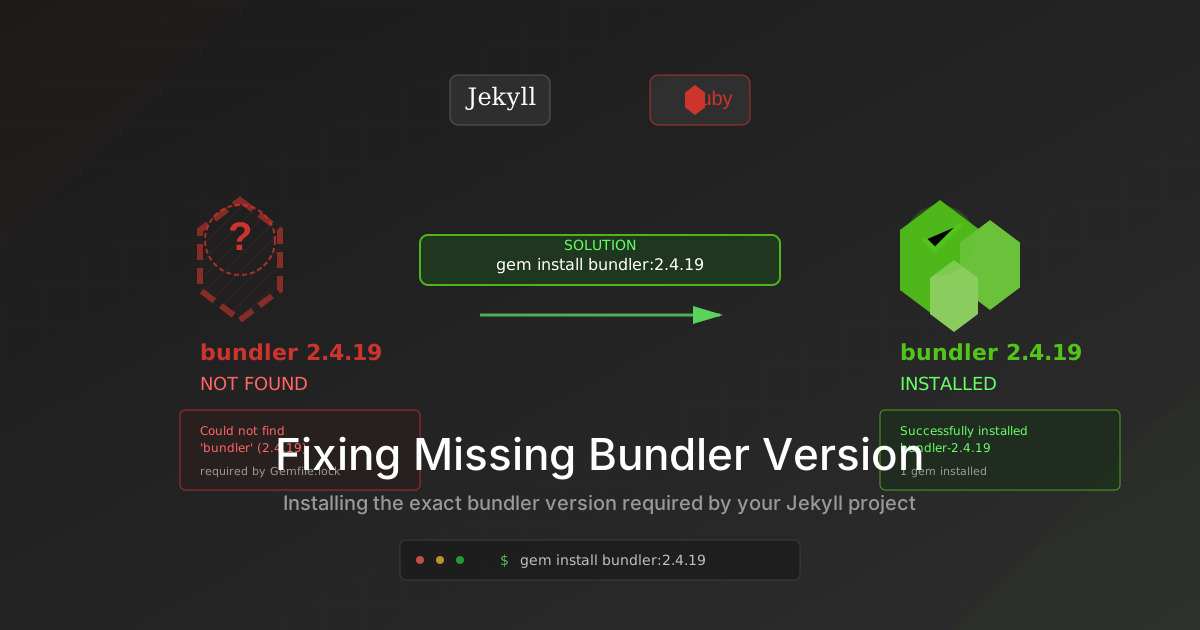
Jekyll 사이트를 빌드하려고 bundle exec jekyll build 명령을 실행했을 때 다음과 같은 오류가 발생했습니다.
1
2
3
Could not find 'bundler' (2.4.19) required by your /Users/junho85/WebstormProjects/junho85.github.io/Gemfile.lock. (Gem::GemNotFoundException)
To update to the latest version installed on your system, run `bundle update --bundler`.
To install the missing version, run `gem install bundler:2.4.19`
원인
이 오류는 Gemfile.lock 파일에 명시된 bundler 버전(2.4.19)이 시스템에 설치되어 있지 않아서 발생합니다.
해결 방법
1. Ruby 및 gem 버전 확인
먼저 시스템의 Ruby와 gem 버전을 확인합니다.
1
2
3
ruby --version
gem --version
which ruby
제 경우 macOS의 시스템 Ruby(2.6.10)를 사용하고 있었습니다.
2. Bundler 2.4.19 설치
시스템 Ruby를 사용하는 경우 sudo 권한이 필요할 수 있지만, 사용자 디렉토리에 설치하는 것이 더 안전합니다.
1
gem install bundler:2.4.19 --user-install
3. PATH 설정
설치 후 다음과 같은 경고가 나타날 수 있습니다.
1
2
WARNING: You don't have /Users/junho85/.gem/ruby/2.6.0/bin in your PATH,
gem executables will not run.
이를 해결하기 위해 PATH에 gem bin 디렉토리를 추가합니다.
1
export PATH="/Users/junho85/.gem/ruby/2.6.0/bin:$PATH"
4. Jekyll 의존성 설치
이제 Jekyll과 관련 gem들을 설치합니다.
1
bundle install
5. Jekyll 빌드
모든 준비가 완료되었으므로 Jekyll을 빌드합니다.
1
bundle exec jekyll build
성공적으로 빌드되면 다음과 같은 메시지가 나타납니다:
1
2
3
4
5
6
7
Configuration file: /Users/junho85/WebstormProjects/junho85.github.io/_config.yml
            Source: /Users/junho85/WebstormProjects/junho85.github.io
       Destination: /Users/junho85/WebstormProjects/junho85.github.io/_site
 Incremental build: disabled. Enable with --incremental
      Generating...
       Jekyll Feed: Generating feed for posts
                    done in 0.218 seconds.
6. 영구 설정 (선택사항)
매번 PATH를 설정하지 않으려면 shell 설정 파일에 추가합니다.
1
2
# ~/.zshrc 또는 ~/.bash_profile에 추가
export PATH="/Users/junho85/.gem/ruby/2.6.0/bin:$PATH"
추가 참고사항
- RubyGems 버전 관련 경고가 나타날 수 있지만, Jekyll 빌드에는 영향을 주지 않습니다.
- 더 나은 Ruby 버전 관리를 위해서는 rbenv나 RVM 같은 Ruby 버전 관리자 사용을 고려해보세요.
- Jekyll 4.2.2를 사용하는 경우 Ruby 2.6 이상이 필요합니다.
이제 Jekyll 사이트를 정상적으로 빌드하고 개발할 수 있습니다!